 Quiet Tools Studio

Own Copy
Save an article as Markdown, with its pictures, to your own disk
Firefox extension · Firefox 142+ · All rights reserved
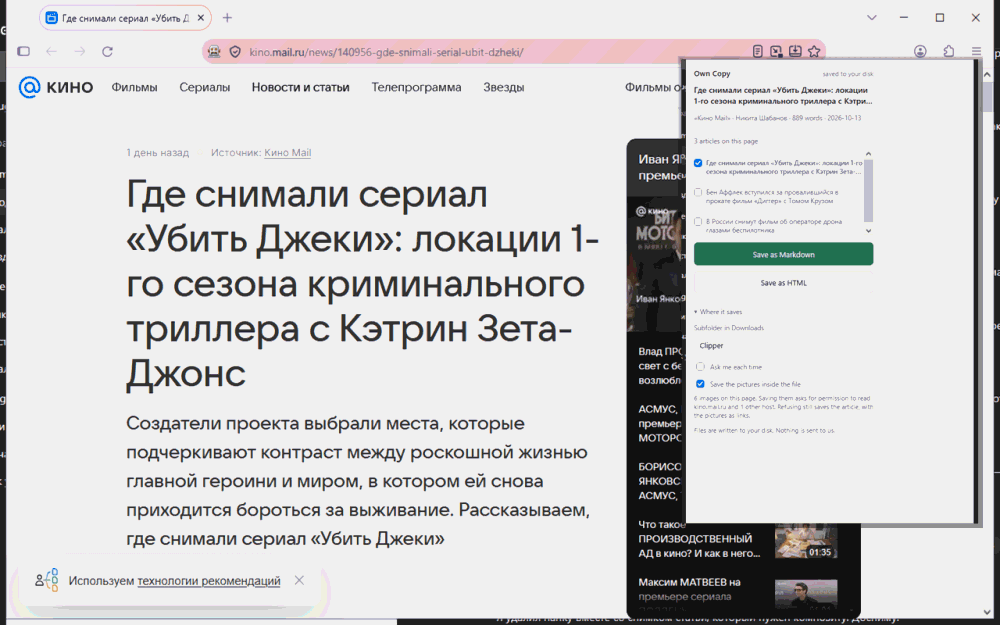
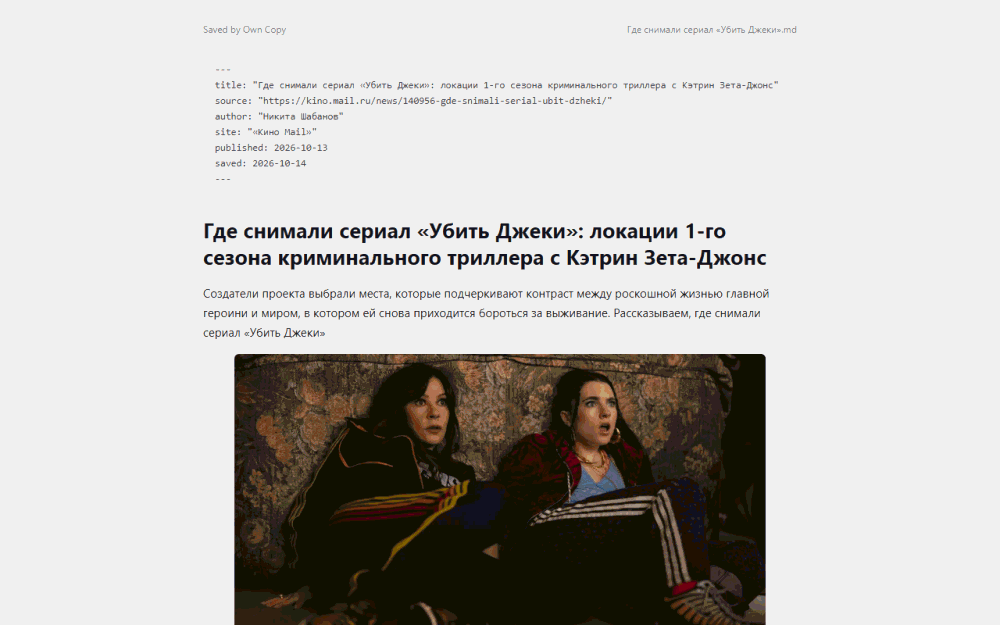
Reads the page you are on, drops the navigation and the advertising, and writes the article to a folder you chose — with the pictures inside the file.
What it does
- The pictures are embedded, so the file reads offline and still reads in ten years
- No host permission at install: it cannot see any page until you ask
- Removes advertising, including what arrives after the page has loaded
- Saves several articles from one page, each as its own file
What it looks like
Requirements
- browser Firefox 142 or newer, desktop
- os Windows, Linux, macOS
What it does not do
Read this before you decide. It is the reason the list above can be believed.
- It does not follow links for you. A feed entry is saved as the text shown on that page.
- It does not sync, share or back up. There is no anywhere to sync to.
- It does not run on Android yet.